


Stellar Phoenix Outlook PST Repair Software v.4.5
PST Recovery Software
An Outlook PST Recovery tool that repairs corrupted or broken PST of Microsoft Outlook and restores it at a user-determined or default location. The PST Repair tool extracts the data in a new Outlook-usable PST, which the user requires to import in MS Outlook for further access. The software also provides recovery of deleted emails from Deleted Items folder or all those emails which are permanently deleted. It also offers selective folder recovery and recovery of individual mails either in MSG or EML file format.
- Overview
- Key Features
- Spec
- FAQs
- Support
- Testimonials
|
Outlook PST Recovery Features : Stellar Phoenix Outlook PST Repair |
|
|
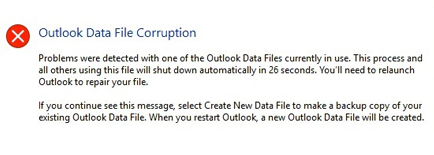
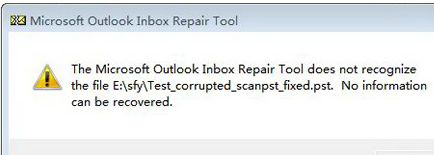
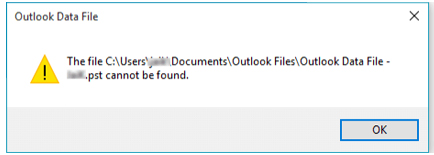
The PST Repair tool rescues emails from a PST corrupted due to problems like :
Stellar Phoenix Outlook PST Repair v4.5 does Outlook PST Recovery in all aforementioned instances without re-indexing, modifying or harming the original PST. |
|
PST Repair Software Details :
Stellar Phoenix Outlook PST Repair v4.5 is a PST Recovery solution that can repair damaged PST after any file corruption scenario. The software extracts all inaccessible PST objects, which include e-mails, notes, contacts, journal, calendar, and tasks.
Outlook PST Recovery is feasible in 3-Simple Steps:
Note: For recovering deleted emails, you need to perform the similar sequence of steps.
Download the free demo version of Stellar Phoenix Outlook PST Repair v4.5 to experience its functionalities, GUI and determine the recoverable number of PST objects. The evaluation version of product also previews the recoverable emails, contacts, calendar, notes and tasks.
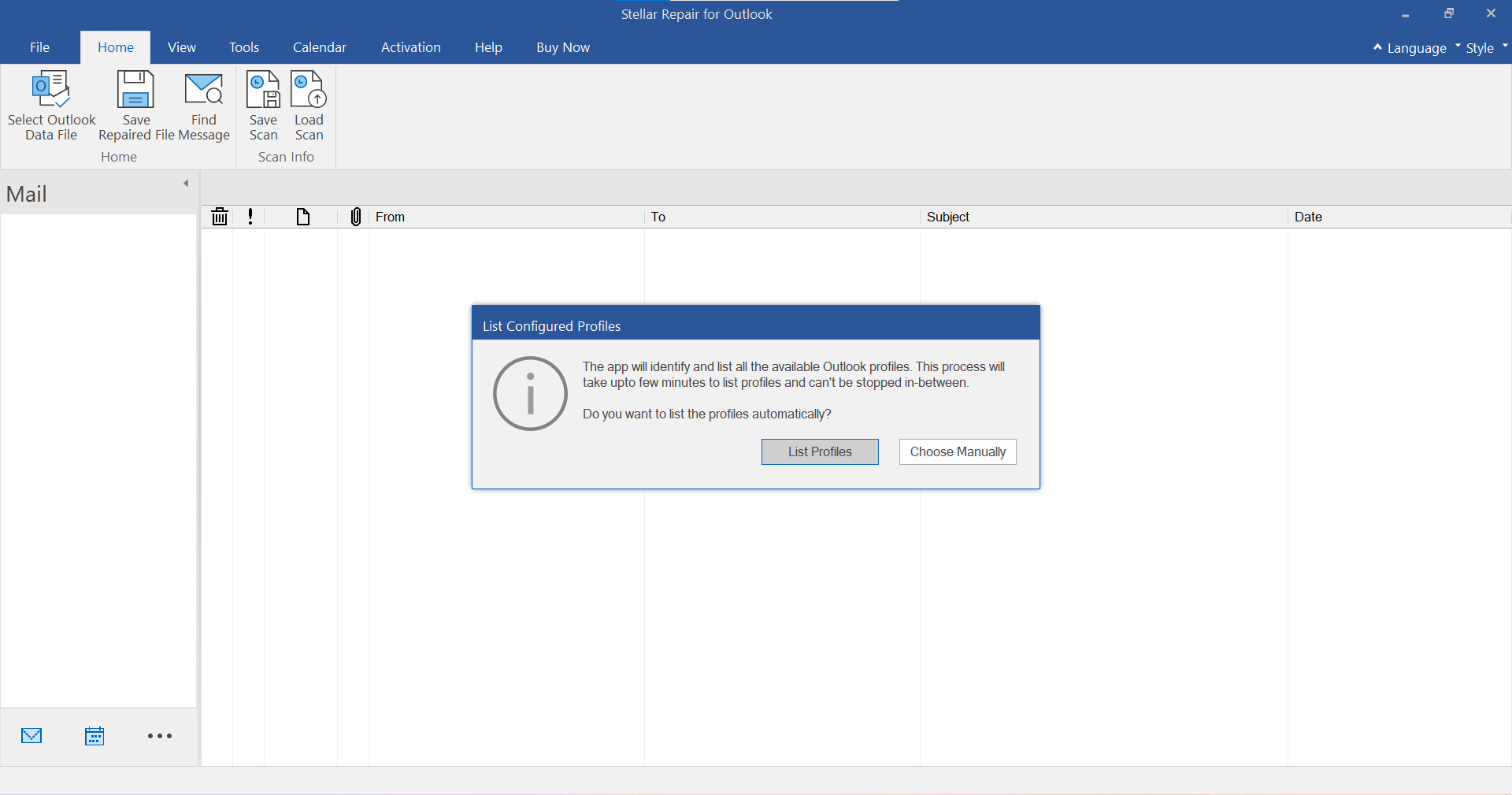
Stellar Phoenix Outlook PST Repair v4.5 is an Outlook Recovery Software with a GUI equipped of various options. The software has a 3-pane structure view to display individual folders , expanded folder information (including sender and recipient addresses, email Subject and Date) and preview of selected PST object. At left-bottom side, user gets direct tabs for Mail, Calendar, Contacts, Tasks, Notes and Journal, similar to Outlook.
The PST Recovery tool gives different menubar and toolbar options as follows :
Open Outlook File : The first toolbar option that opens Select Outlook Data File ' dialog box to manually select or find PST on disk.
Download the free demo version of Stellar Phoenix Outlook PST Repair v4.5 - The evaluation version of product also previews the recoverable emails, contacts, distribution list, calendar, notes and tasks. |
|
|
Key Features :
Comparison of features of Stellar Phoenix Outlook PST Repair Software v4.5 & v4.0
|
|||||||||||||||||||||||||||||||||||
|
|
FAQs – Stellar Phoenix Outlook PST Repair
I have run the demo and can see the preview correctly in the PST Repair software window. Do I need to rescan the corrupted file ?
The demo version of the software is just to show you the possibility of the repair. If you are satisfied with the demo then you can purchase the full version software can repair the corrupted file with the full version software. No you needn’t re-scan the corrupted file.
I repaired my PST file, but I’m unable to open my Outlook after recovery. How can I solve this problem ?
Follow the below procedure to set your recovered PST file as the default PST file to rectify the problem:
Now, try to open your Outlook and access your emails.
How much time the Outlook PST Repair software will take to repair the file ?
The scanning time depends upon the corruption level and size of the file. If the process is running that means that the software is still scanning the corrupted file and you have to wait for the scanning process to complete. Once the scanning will complete you will get the repaired file in the destination location.
I have repaired my PST file. But I’m unable to find my contacts. How can I find my contacts ?
Kindly follow the below steps to find your contacts, after importing your recovered PST file into your Outlook
Now you will be able to see all the contacts if you were able to see the preview of the contacts in Demo Version. You may select the entire contacts listed and drag it to your original contacts list, so that you may use further.
Can I repair the PST file if the file has exceeded 2GB size and is now corrupted ?
Yes, The software is capable of repairing PST file which has exceeded 2gb.
Do I need to have MS Outlook installed?
Yes, to repair and restore the corrupt PST files, you need to install MS Outlook.
|
|
|
Thank you for your email. With regards to your product the stellar products I purchased did in fact scan the system for lost pst files and was able to recover a few of the items requested. Andrew M.D Gough MCP MBCS MNZCS
Thank you for your follow up. I purchased this software product on behalf of my client. I offer technical support services and was able to use your product to successfully repair and recover his mail items from a corrupted PST file. Below is a testimonial you can use if you wish. Kevin Scharnhorst
Hello Martyn Pitt
I am happy to provide your company with a testimonial as your product has retrieved a large part of my Outlook pst file which had information going back over the past 18 months. It has certainly saved me a lot of grief! Brendan Flynn
Good afternoon, David
The application did exactly as described and needed. I was able to fix and recover all the data in all the .pst files and was able to complete the project in the necessary time frame. The impact of the corrupted files could have cost my client many tens of thousands of dollars in fines if I was not able to recover the data. The corruption was not due to anything the client did, but that would not have mattered in this case the client would have still been liable. Phil Coats
|