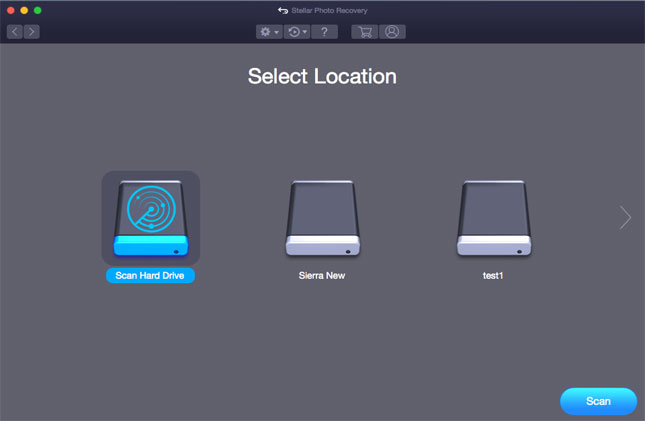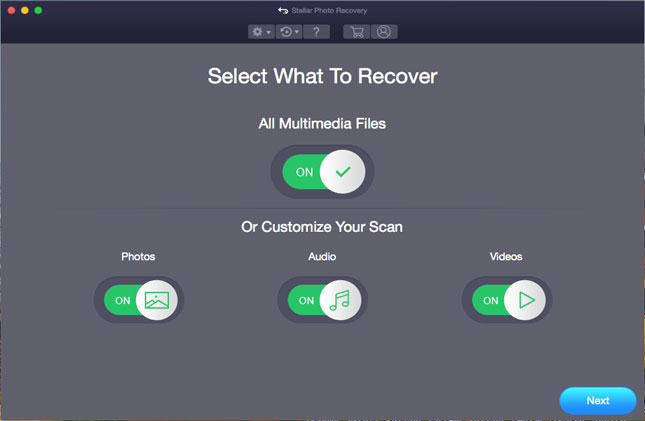
It is the initial of Stellar Phoenix Photo Recovery software Mac. Click on 'Recover Photo, Audio & Video' button to recover deleted or lost photos, audios & videos files.

All the drives and attached media are listed. Now select your desired drive or external media and click on 'Scan Now' button to start scanning process.

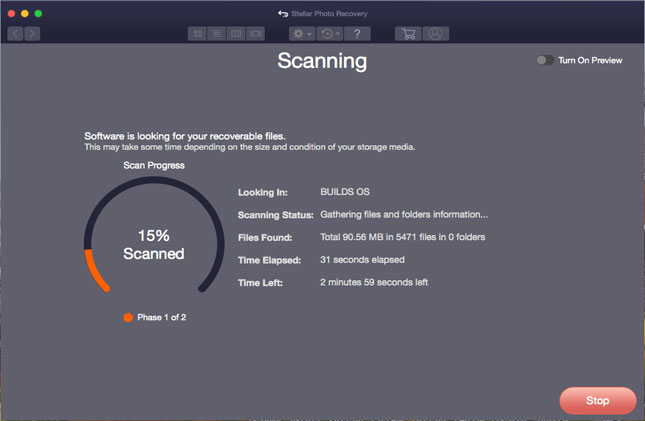
The software will search all the multimedia files from your selected drive or mediaduring scanning.

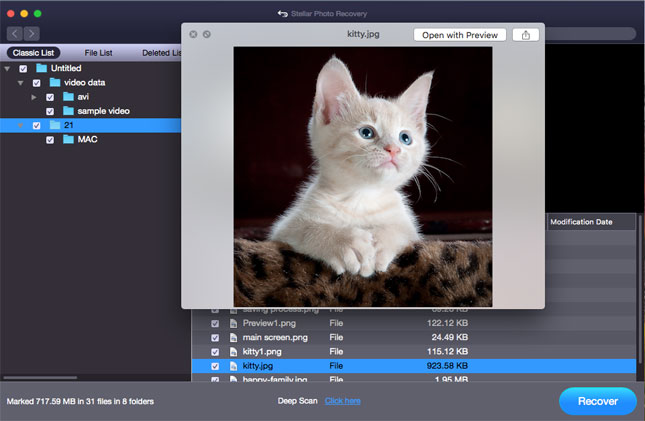
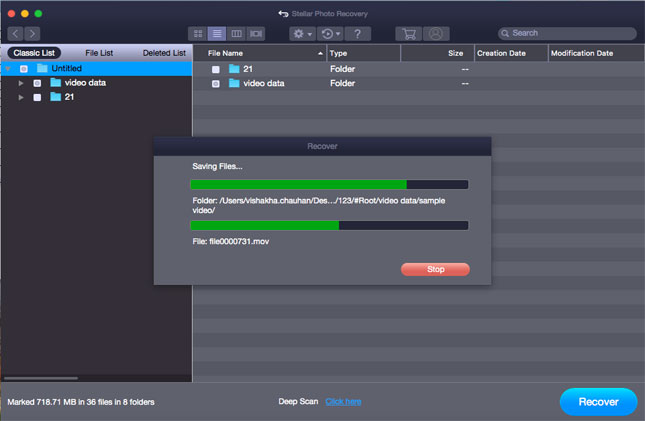
After scanning all the files that are found in the selected volume, hard disk or other attached storage media are listed. Click on 'Recover' button to recover your desired file.

First screen of software also contains "Create Image" option. This option is used to create an image of preferred storage device for recovery at later stage.

Select the drive / volume to create images and Click on 'Continue' button.

Imaging of the selected drive / volume is in process.

Click on 'Scan' button to start scanning of created image.

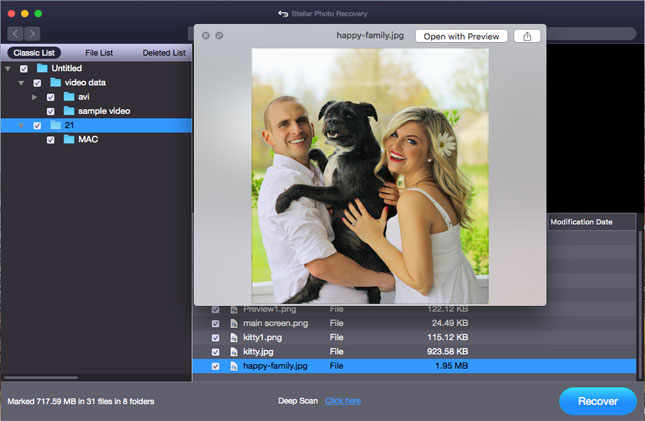
See the preview of file and click on 'Recover' to save the recovered file.

3rd Option is Resume Recovery.

Select previously saved scan information to recover file from saved point and click on 'Scan' button to start scanning process.

After scanning, software will list the entire file in the tree like structure. You can see the preview of any file by clicking on it. Click 'Recover' to save the file at desired location.