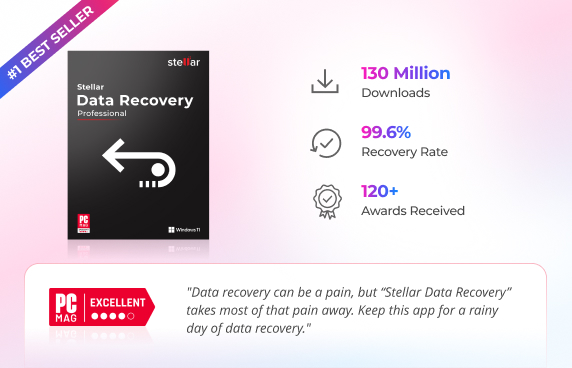
99.6% Recovery Rate
Millions of users have successfully recovered their files with Stellar.

 Excellent
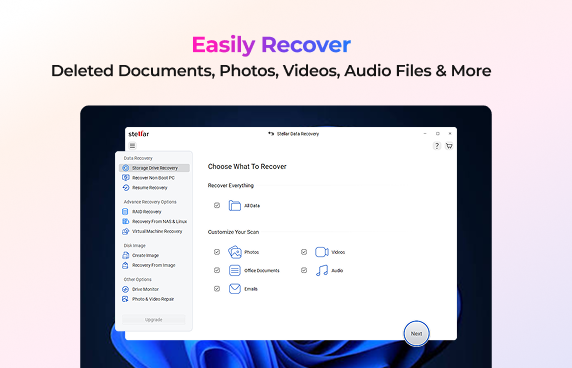
Recover any file with confidence. Stellar Data Recovery restores photos, videos, documents, emails, and more from deleted, formatted, corrupted, or inaccessible storage devices. All in just a few clicks.
Recover Data from All Storage Devices & 1000+ File Formats.
Recover Data from HDDs, SSDs, USB Drives, External Drives, SD Cards & More.
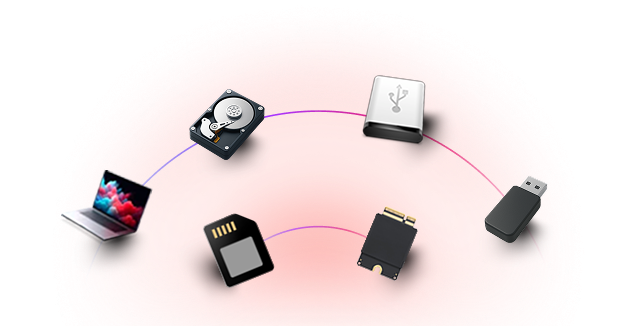
Stellar Data Recovery can help you restore your lost or deleted data in virtually any data loss scenario. Here are some of them.
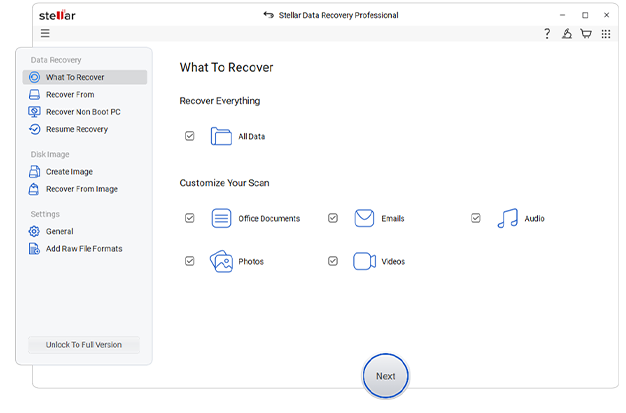
Accidental file deletion and formatting are among the most common causes of data loss. Whether you emptied the Recycle Bin, pressed Shift + Delete, accidentally formatted a drive, or deleted files by mistake, Stellar Data Recovery helps you restore your lost documents, photos, videos, emails, and other files quickly, safely, and in just a few clicks.
 Recover permanently deleted files with ease.Restore files deleted by mistake in minutes. Quick Scan and Deep Scan for maximum recovery.Preview recoverable files before saving.
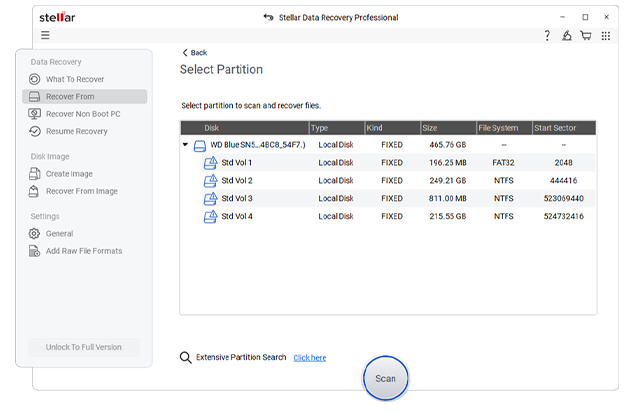
Recover lost or missing drive partitions with this professional DIY data recovery software. Whether a partition has disappeared due to accidental deletion, formatting, drive corruption, or other storage issues, simply choose the "Can't Find Drive" option to locate and recover it. With an intuitive interface and guided recovery process, you can restore inaccessible partitions and retrieve your valuable data in just a few steps..
Restore inaccessible or deleted partitionsRestore important files with confidence.Supports BitLocker encrypted drives.Secure read-only recovery process.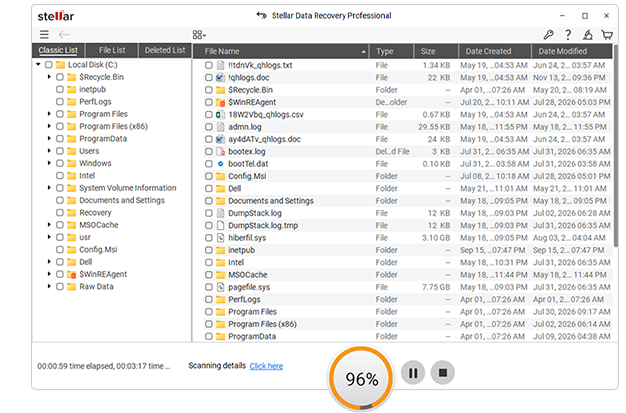
Recover data from RAW or inaccessible internal and external storage drives with this Windows data recovery tool. Whether it's your system drive or an external storage device that has become RAW or inaccessible, the software helps you recover your lost data.
Recover data from drives that appear as RAW.Supports RAW HDDs, SSDs, USB drives, and SD cards. Supports all major Windows file systems.Fast and secure RAW drive recovery.
Real recovery performance, not just promises
Millions of users have successfully recovered their files with Stellar.
See exactly what’s recoverable before you spend a dollar — no sign-up needed.
Positive reviews from publications like PCMag, PC World & Techradar is what makes Stellar a leader in Data Care.

Read-only scanning means your original files and drive stay untouched throughout recovery.

Tech Specification & Whats New

14.0.0.0

Standard, Professional, Technician

English, Deutsch, Français, Português Brasileiro, Dutch, Italiano, Español, 日本語 , 한국어, हिंदी, 中国人

Intel compatible (x64-based processor)

4 GB minimum (8 GB recommended)

500 MB for installation files

Windows 11, 10, 8.1, 8 and Windows Server 2022, 2019, 2016
Yes. Stellar Data Recovery is safe to use and does not harm your storage device or existing data during the recovery process. To improve the chances of successful recovery, avoid using the affected drive until the recovery is complete. This helps prevent new data from overwriting the lost files.
That depends on your drive size, how much data you’re scanning, and your system’s speed. A quick scan could take just a few minutes. Deep scans might take several hours if you’ve got a lot of data.
Yes. Stellar Data Recovery lets you preview recoverable files (documents, photos, videos, etc.) before saving them, so you can confirm if files can be recovered.
Yes. Select “Photos” as a file type filter when scanning a USB drive, memory card, or SD card to recover only image files.
You can restore lost or deleted partitions using Stellar Data Recovery Professional. Simply launch the software, click Can't Find Drive on the Recover From screen, scan for missing partitions, select the detected partition, and recover your files.
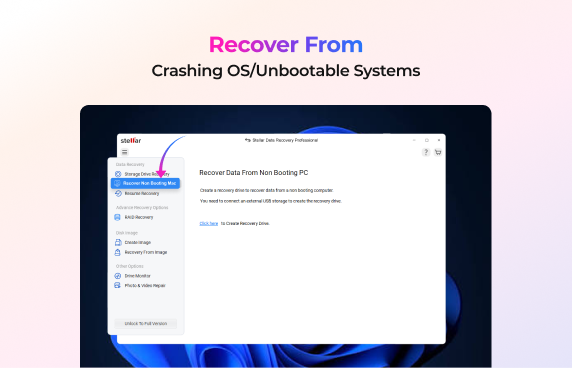
To recover data from a crashed or non-booting Windows PC and Laptop, follow these steps.
No. Stellar Data Recovery is designed to be easy to use and fully DIY, with a simple step-by-step interface that requires no technical knowledge.
Users find Stellar Data Recovery useful for its intuitive interface, robust scan-and-preview functionality, and ability to recover deleted files, photos, videos, and documents. Most testimonials and reviews praise the software’s ability to recover deleted files from formatting and other common data loss scenarios.
When you delete a file, Windows typically removes its reference from the file system instead of erasing the actual data. The deleted data remains on the storage device until it is overwritten by new information. Stellar Data Recovery scans the drive to locate these recoverable files and helps restore them. Even if your files seem permanently lost, scanning the drive as soon as possible improves the chances of successful recovery.
0M+
Customers
0+
Years of Excellence
0+
R&D Engineers
0+
Countries
0+
Partners
0+
Awards Received