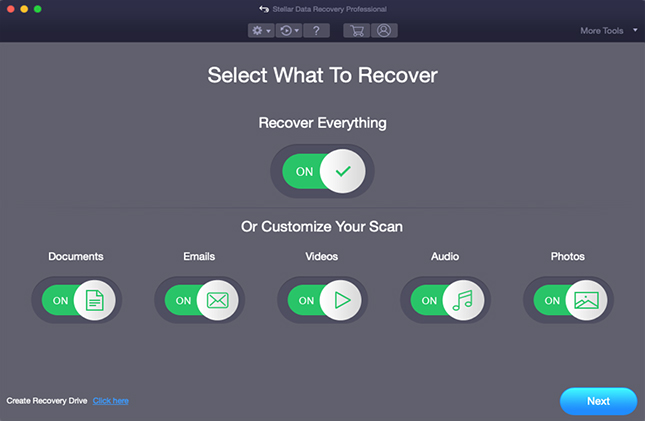
Step 1: Select the files you want to recover or customize the scan accordingly. Press Next.
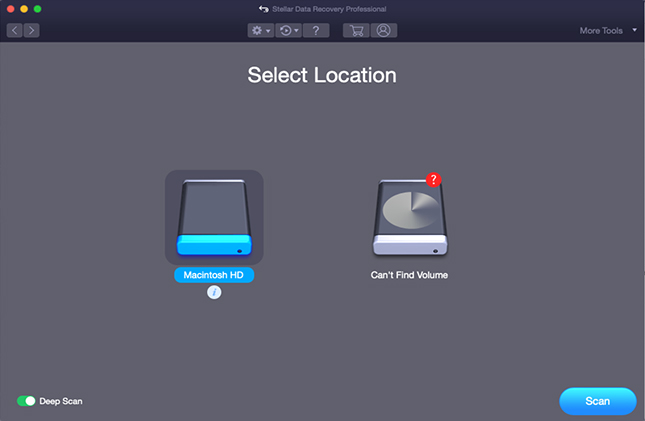
Step 2: Select a drive to recover, i.e. Macintosh HD or external hard drive. Press Scan.
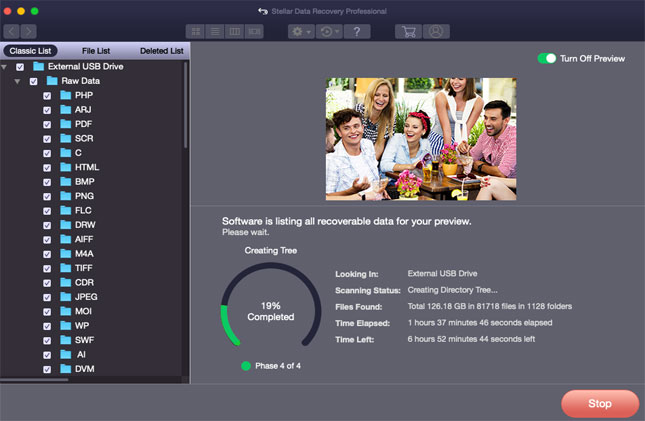
Step 3: The software begins to Scan the selected drive.
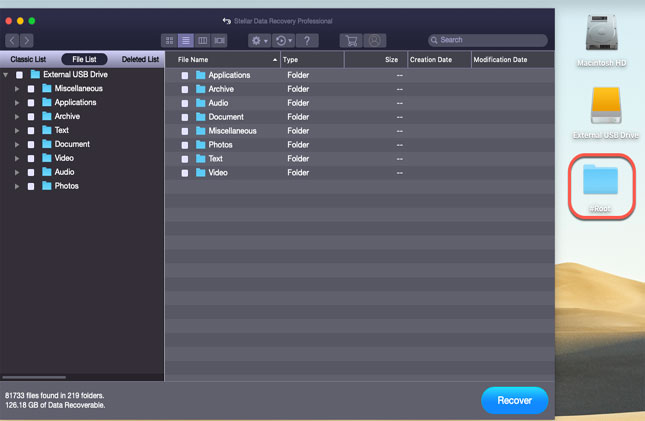
Step 4: Stellar software completes the scan and shows the recoverable files.
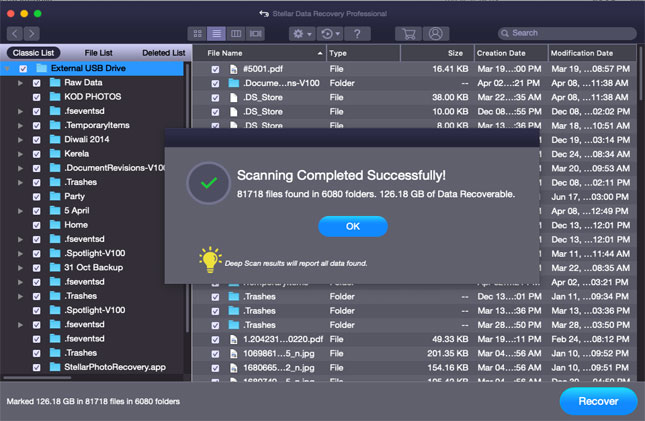
Step 5: Double-click a file to get the preview.

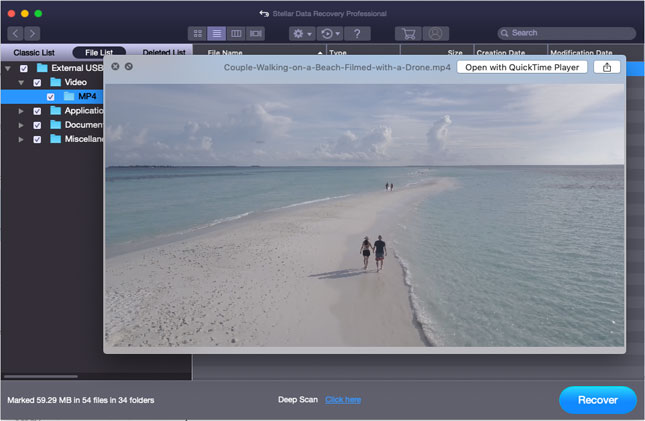
Step 6: Preview videos files such as MP4, MOV, MJPEG and more.
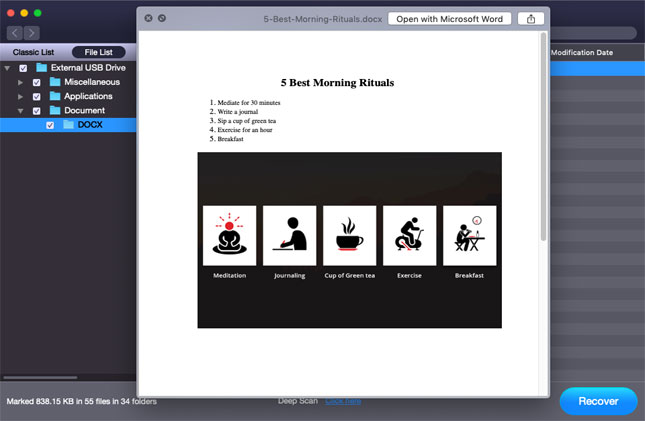
Step 7: Preview documents such as Word, Excel, Powerpoint, PDF, Textedit & more.
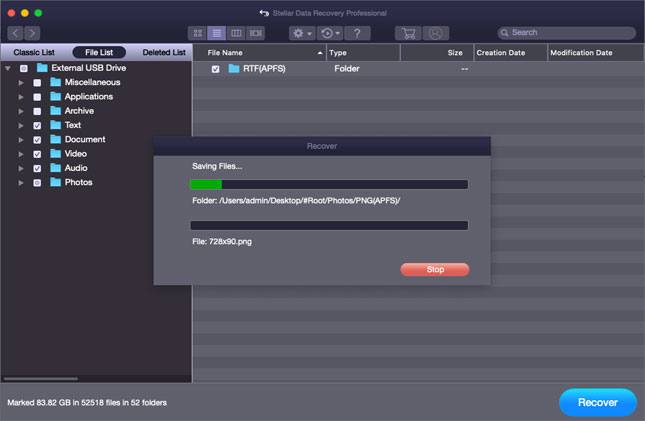
Step 8: Press the Recover button and select a destination to save the recoverable files.
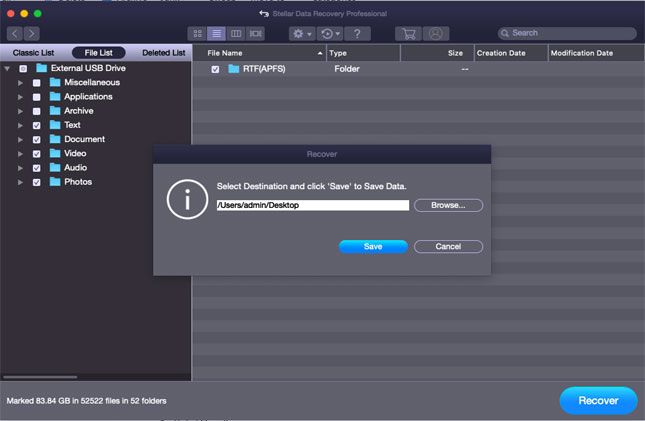
Step 9: The software saves the recovered data to the provided destination in Root folder.
Step 10: Double-click the Root folder to access the recovered files.