If you’re seeing a new Black Screen of Death after January’s mandatory update, Microsoft has finally explained why. It turns out this “January jinx” is actually a hangover from last month.
Microsoft confirmed that January’s security update is triggering crashes on specific PCs. The victims are devices that botched the December 2025 update and were left in a corrupted (“improper”) state following a rollback.
Microsoft also notes that attempting to layer the new January update on top of this existing instability causes the device to fail during boot. While users can take steps to prevent the crash, the core issue is a pre-existing flaw in the system’s update status.
The Partial Resolution
Microsoft states they are working on a solution to stop more computers from failing to boot if they attempt an update while corrupted. However, the company admits this safeguard has significant limits: it won’t stop the corruption (the “improper state”) from happening in the first place.
Most critically, Microsoft confirmed that this fix offers no help to machines that have already crashed. If your device is currently unable to boot, this patch will not save it—a truly catastrophic outcome for affected users.
Am I at Risk?
While this sounds alarming, the company clarifies that the Black Screen issue primarily targets commercial workstations; most average home users are unlikely to encounter the bug. Check your version immediately. The crash is tied to update KB5074109 on the following builds:
- 25H2 (Build 26200.7623)
- 24H2 (Build 26100.7623)
The Escape Route
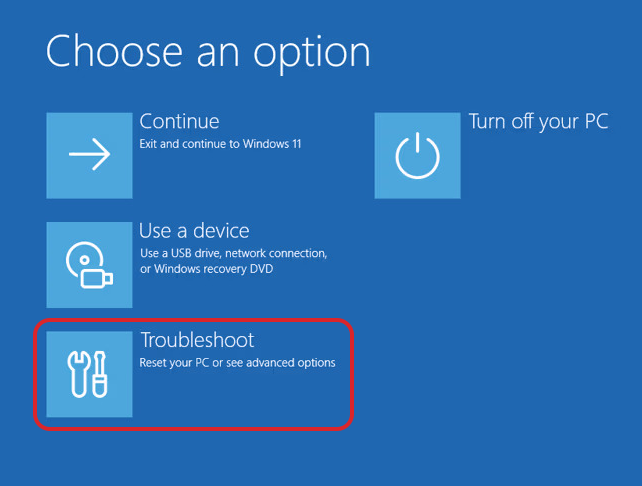
The error appears as a Black Screen of Death with the error code: UNMOUNTABLE_BOOT_VOLUME. Because it prevents the OS from loading, you will be effectively locked out of your own computer. Microsoft suggests to manually enter the Windows Recovery Environment (WinRE) and try to troubleshoot from there.
This issue is the final blow from a tumultuous January involving Outlook freezes, emergency patches, and recalled fixes. Microsoft will undoubtedly be relieved to close the book on this month and aim for a more stable February.
Bottom Line
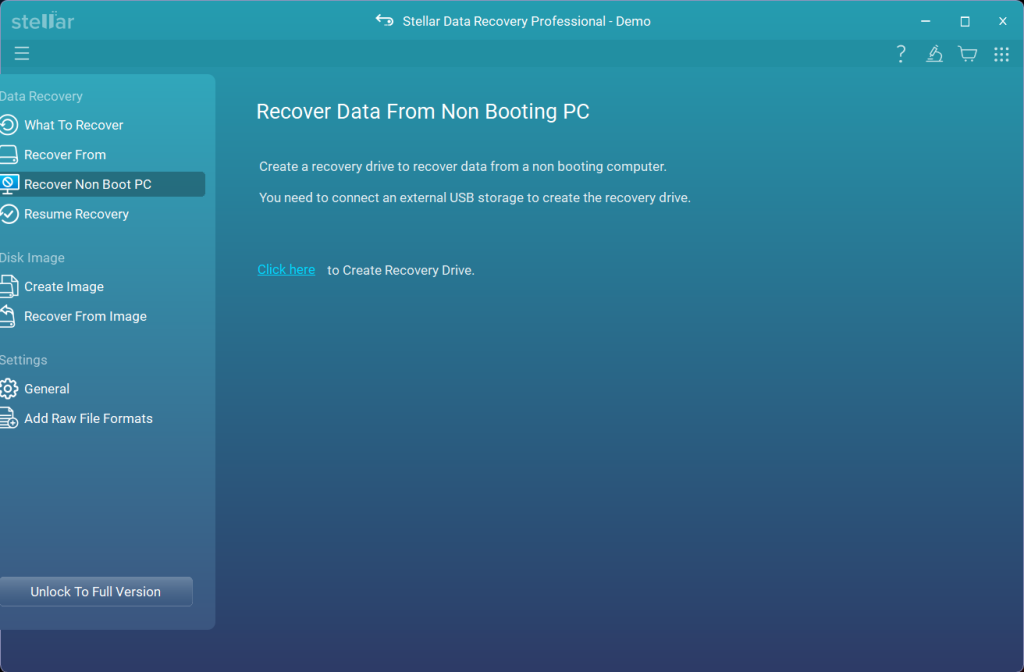
Locked out of your PC by the Blue Screen of Death? If a crashing system is keeping you from your files, you need a recovery tool that works outside of Windows. Stellar Data Recovery Professional’s “Bootable Recovery Drive” feature allows you to bypass the crash entirely, letting you boot up and extract your important data even when the operating system refuses to load.