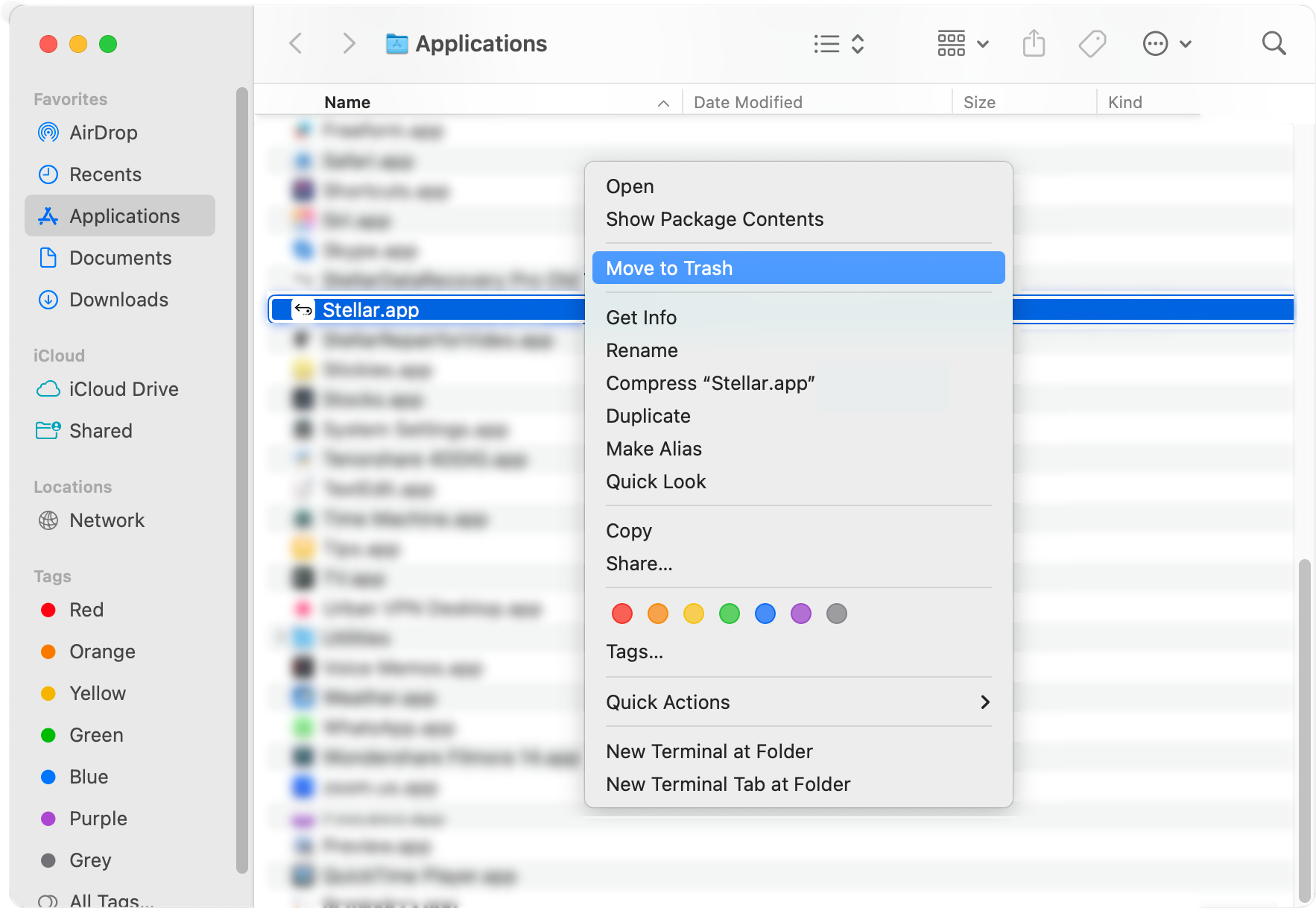

DIY Data Recovery Software for Windows, Mac, Android, iPhone & Tape Drives
Desktop Software to Repair Corrupt Files, Emails & Databases.
Convert or migrate emails to Live Exchange/M365 or save as PST
Tools for migrating emails from Exchange Server to Microsoft 365 and vice versa.


Guarantees 100% wiping of sensitive data across storage devices.



Tools to aid investigation and collect digital evidence by forensic experts.



Online Tools to repair files, convert mailbox data, edit and enchance photos & videos.

Explore our technical resources, industry insights, and step-by-step guides.


Discover our company journey, leadership team, press releases, media coverage, and career opportunities.