Proficient deleted email recovery software that safely recovers lost or deleted emails from MS Outlook data (PST) files and Outlook Express data (DBX) files.
File Size:4.20 MB
The software performs a smooth recovery of all emails lost from your mail Outlook and Outlook Express mail folders due to accidental or intentional deletion. Let us have a quick look at some of the pivotal features of this software:
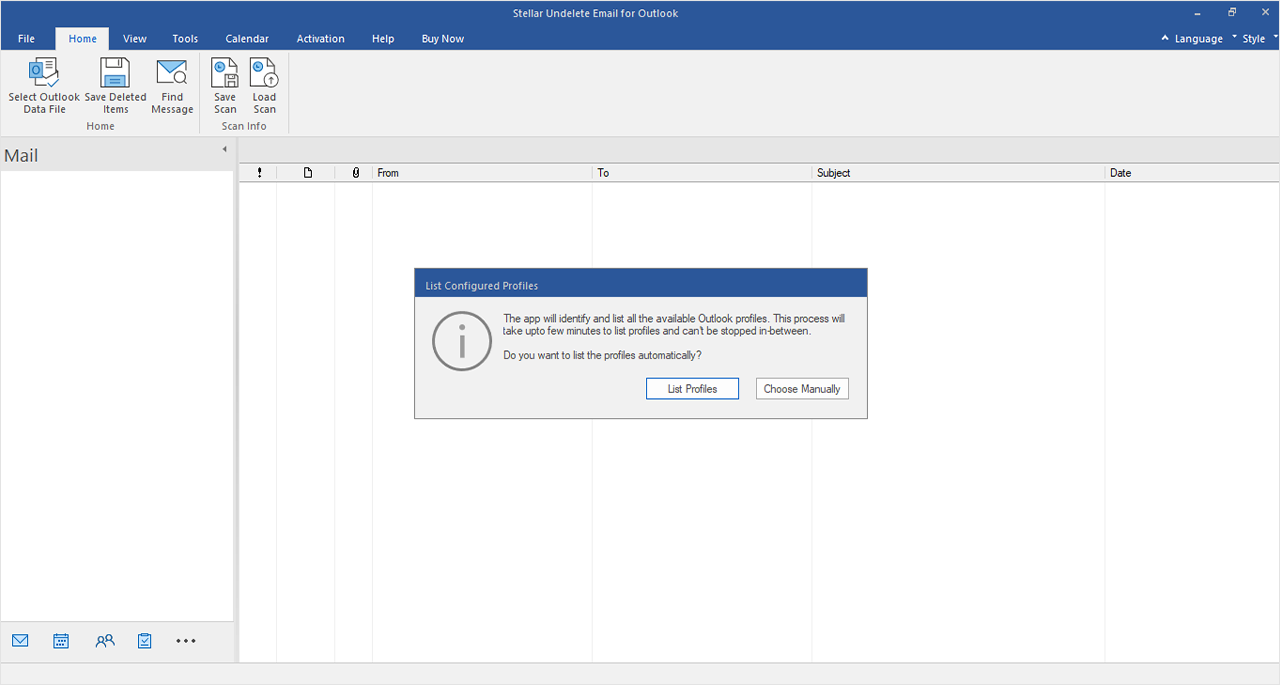
The software uses proprietary algorithms to search for DBX or PST files in any folder, subfolder, or volume in the system. You can use the feature in case you cannot recall the exact path of the file to be recovered.
The software not only recovers all deleted emails intact, it preserves the exact folder structure of your DBX or PST file and formatting of the mails inside. This allows you to perform a reliable deleted mail recovery without causing any damage to the original file.
The software shows a list of deleted emails in various mail folders in your PST or DBX file after the completion of the scan. You can select any specific email to preview its content in the bottom-right pane.
This email recovery software is specifically designed to work with all latest Windows operating systems, including Windows 8, 7, Vista, XP, 2003, 2000, and NT4 (SP6).
The software records information about all tasks performed during the recovery process in a log and allows you to save this log at any desired location in your system.
The software efficiently recovers and restores all deleted items from your PST file, including emails, attachments, calendars, contacts, meeting requests, notes, distribution lists, journals, appointments, and tasks.
The software gives you the choice to save the recovered emails in ‘.MSG’, ‘.EML’, or ‘.PST’ format. These files can be easily accessed by importing them into MS Outlook.
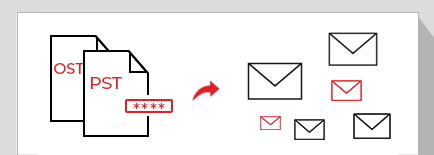
The software enables you to easily restore emails lost from password-protected PST files, without compromising the security of confidential user data.
The software performs a close recovery of deleted emails including their attachments from Outlook Express DBX files. It supports recovery of a single as well as multiple DBX files.
The software allows you to select and save only the desired emails in your DBX file after the completion of scan. This saves considerable amount of effort when you need to recover only a few specific emails.
The software enables you to save the recovered emails either as ‘.EML’ or ‘.DBX’ files in your system. You can use these files anytime by importing them back into Outlook Express or similar email clients.
The software supports recovery of multiple DBX files. You can select a folder containing multiple DBX files and perform concurrent recovery of these files. You can save each DBX files or individual emails from each DBX files at any location of your choice.


I had lost (2) major folders of 2300 - 3200 e-mails each folder. Your product found the deleted e-mails and I was able to restore them to my 2003 Outlook business personal folders. Thank you very much - best money spent !
Russell, United States
All trademarks acknowledged © Copyright 2013,
Stellar Information Systems Ltd. Leaders in Hard Drive Data Recovery Software & Services