EDB to PST Converter

Product specs
Product Spec
Screenshot
Screenshots

Stellar EDB to PST Converter

Converts mailboxes from Exchange Server database files (EDB) into usable PST files

A professional EDB to PST converter that efficiently converts on-line as well as off-line MS Exchange database (EDB) files to equivalent Outlook Data files (PST). This EDB to PST conversion tool helps you extract all your important emails, contacts, attachments, sent items etc.

  • Extracts EDB mailboxes to importable PST files
  • Offers flexibility to convert working (online) EDB files to PST/EML/MSG
  • Supports selective conversion of files
  • Supports MS Exchange 2010, 2007, 2003, 2000 and 5.5 versions
  • Support for MS Office ( 64 bit)
  • Support for PUB.EDB files for 'Offline' conversion


Download Buy Now

File Size:8.80 MB

Server Console EXE Download here
* Free Download – Free Trial version of the product allows previewing all the converted user mailbox items as individual PSTs. For saving these converted PST files, you need to register the product


Features – EDB to PST Converter


This EDB PST conversion utility is extremely reliable and performs the conversion process without even the slightest modification to the original EDB file. Some key features of the software are as below:


Migrate EDB to PST and extracts Mail ComponentsMigrate EDB to PST and extracts Mail Components

Converts MS Exchange database files (EDB) into corresponding PST files and extracts all your mail components with their original format absolutely intact. You can import the newly created PST files and access your mailboxes as before.


Converts On-Line EDB to PSTConverts On-Line EDB to PST

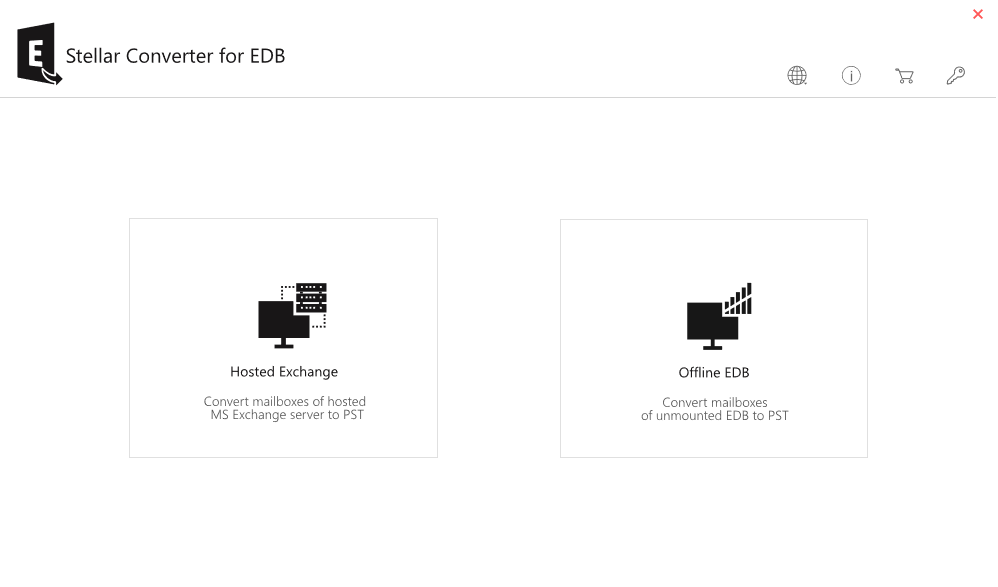
No need to take your exchange offline and disrupt the exchange services for a certain period to convert required EDB files to PST. Stellar EDB to PST converter now gives you the flexibility to perform the operation of converting EDB to PST files in online mode.


Converts On-Line EDB to EML or MSG FilesConverts On-Line EDB to EML or MSG Files

In the on-line conversion mode, the software enables you to convert the EDB files as EML (Email) and MSG (message) files. This is relatively quicker and easy to access. You can view the content of MSG files through MS Outlook, where as the EML files can be easily viewed by importing into Outlook Express.

Previews User MailboxesPreviews User Mailboxes

Provides preview of various mailbox items before actual conversion so that, you can get an idea of the credibility of the utility. The software shows preview of Emails, Attachments, Notes, Calendar Entries, Contacts, and Sent Items etc.


Performs Selective ConversionPerforms Selective Conversion

Whether on-line or off-line, the software provides options to convert either any particular, multiple, or all the mailboxes of the Exchange Server. In the online mode, you have 'Connect to single mailbox' or 'connect to all mailboxes on server' options. Whereas in off-line mode, you can check mark the desired mailboxes from the list of all mailboxes and save them as PST files.


Restores Accidentally Deleted Off-Line EDB MailboxesRestores Accidentally Deleted Off-Line EDB Mailboxes

If your Exchange becomes off-line and you want to recover any accidentally deleted mailbox, then you can restore the deleted mailbox using Stellar EDB to PST off-line mode. The deleted Mailbox should be within 'Mailbox Retention Period'.

Run Stellar EDB to PST (Offline mode). Select the deleted Mailbox from the list and save it as PST. Later resynchronize it with the Exchange server. Also the software is extremely useful in recovering accidentally deleted mailboxes from any previously stored off-line EDB files.


Converts Off-Line EDB to PSTConverts Off-Line EDB to PST

The offline conversion of EDB to PST is best applicable when there is a scheduled or planned shutdown of Exchange server. Off-line conversion is always faster than on-line conversion.


Download Buy Now
Server Console EXE Download here
* Free Download – Free Trial version of the product allows previewing all the converted user mailbox items as individual PSTs. For saving these converted PST files, you need to register the product
 

FAQs


Can I perform online conversion using Stellar EDB to PST Converter, if I do not have administrative rights?
Do I need MS Office pre-installed on the system where I want to save the converted PST files?
Why do some mailboxes appear as 'disconnected' after I connect to the Exchange Server?
Can I convert my PUB.edb using this tool?
Can I save some email messages as 'EML' or 'MSG' files using this tool?


DownloadServer Console Download here Buy Now


Why Stellar


All trademarks acknowledged © Copyright 2013,
Stellar Information Systems Ltd. Leaders in Hard Drive Data Recovery Software & Services

X
X